MarsCTF #1
Challenge: Find the Pieces
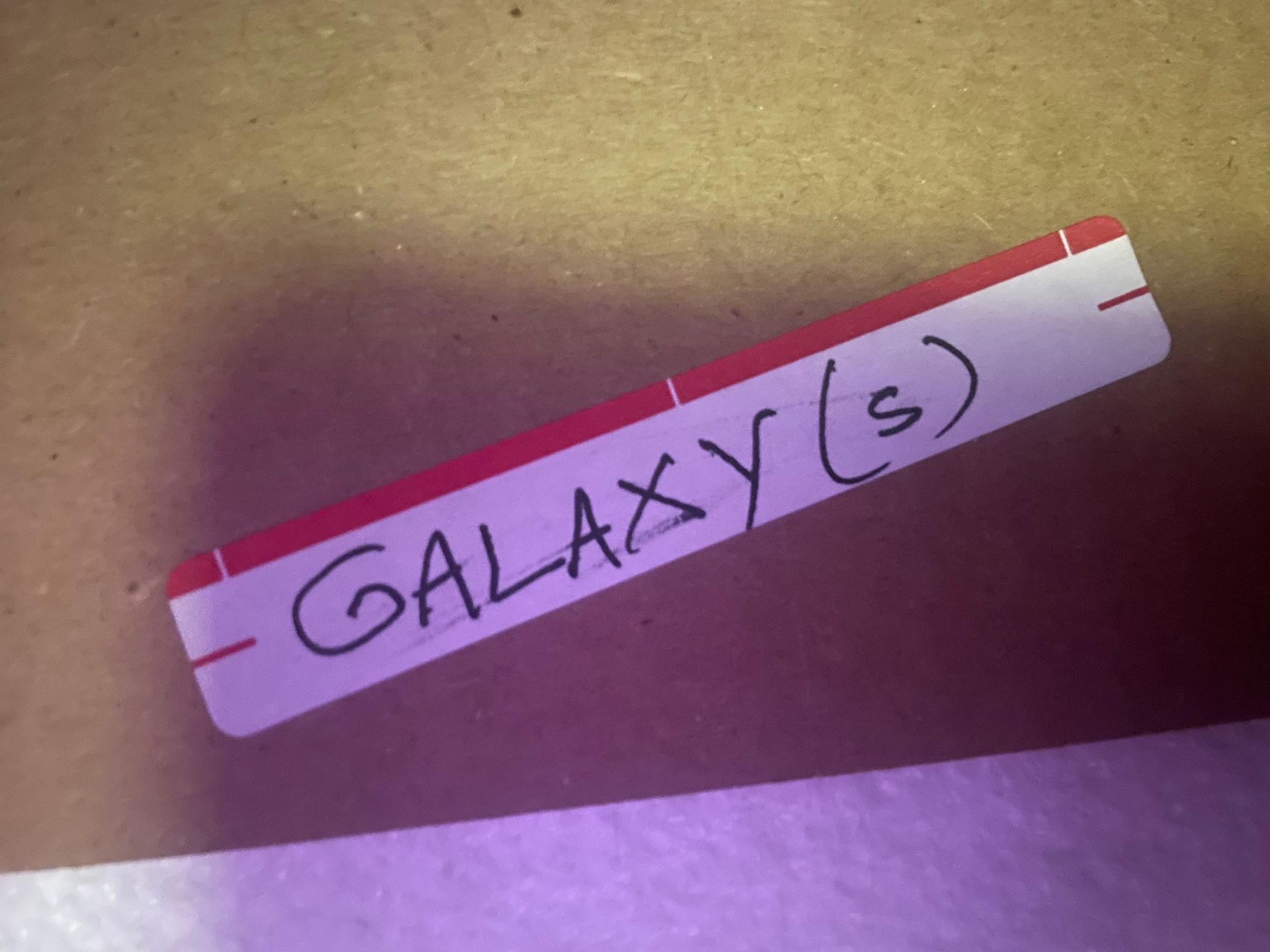
Description: Take a look at this sick music video I found in the office! I'm listening to it as I walk to toss this sticky note into the bin. It says "vawogets ogetsnepo" on it, but I think that's just my coworker scribbling gibberish. Anyways, I'd better go scan my documents before my next meeting; the copy machine is pretty slow.
[redacted media link]
Credits to CaptainSparkelz and TryHardNinja for the music video.
Note: All files can be found at https://mattt.lol/ctf
Piece 1
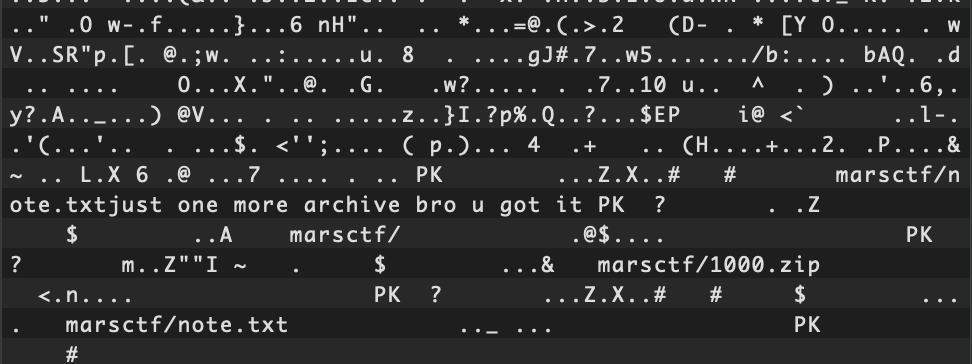
This is a rather large MKV file at around 154 MB. Opening the file in a hex editor, we can clearly see that there are files and directories hidden inside:
as I walk to toss this sticky note into the bin
This indicates that binwalk is our tool of choice. So lets use it:
binwalk -e challenge.mkvThis returns a ZIP archive named "9206087.zip" which contains the 1000.zip and note.txt files we saw earlier in the hex editor.
Extracting 1000.zip reveals a recursive 1000-level zip archive, explaining the humor in note.txt: "just one more archive bro u got it"
After extracting all levels of the zip file, a file named "1" is left behind with a stream of base64 encoded data. Putting this into a base64 decoder reveals that it is a PNG image:

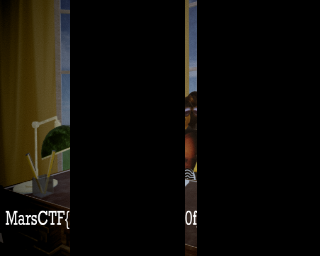
We can then decode the base64 into an image format and get this as our first piece:
Piece 2
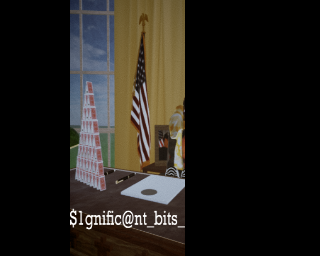
Next, the prompt reveals the next tool we must use known as stegowav (vawogets reversed)
This tool's purpose is decoding information from a .WAV file's data. We can extract the audio file as a .WAV by using a command line program known as MKVToolNix.
Using the command mkvinfo from the MKVToolNix package reveals there are multiple tracks, but we want an audio track.
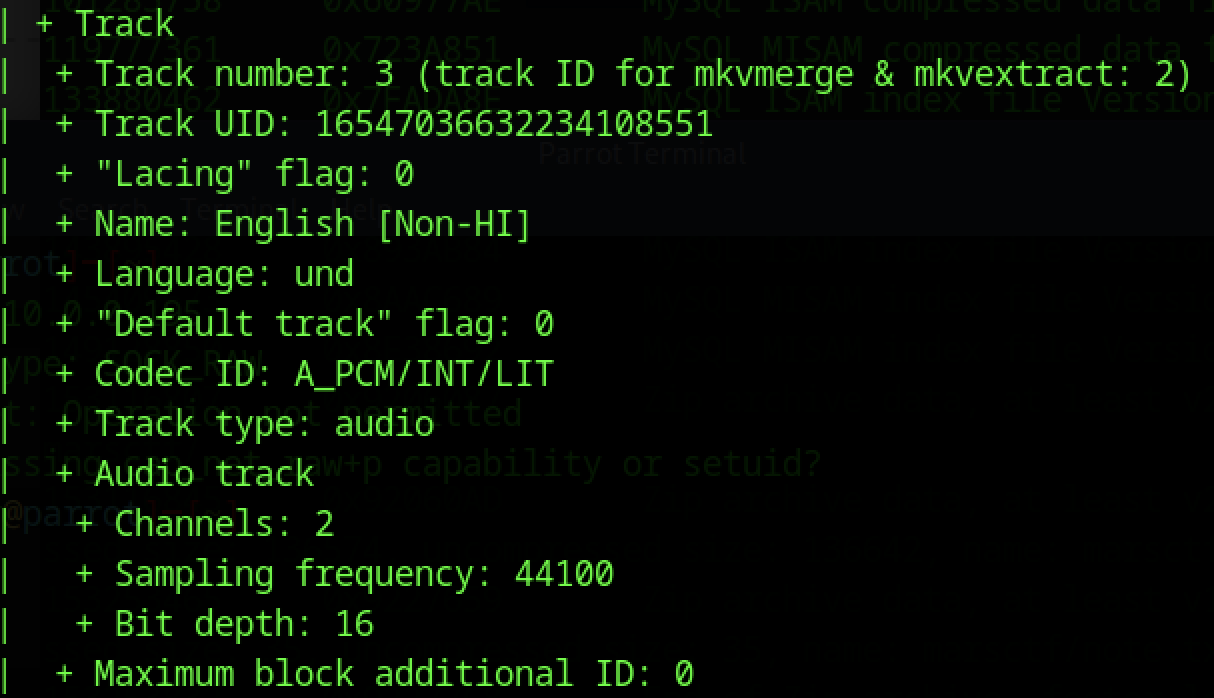
Track 3 looks like it, so lets use mkvextract to get it out:
mkvextract tracks challenge.mkv 2:audio.wavNow, we can bring this exported .WAV file back to stegowav, and decode the message.
python stegowav.py --decode audio.wavThis produces another long string of base64 encoded data. We can deduce that this is another PNG based on the previous, and we arrive at our next piece:
Piece 3
Finally, we turn to OpenStego (reversed, again)
Opening the video file in VLC for playback, I noticed there were subtitles embedded in the file.

I watched the 5 minute and 32 second music video through with subtitles on just in case there was a hidden message, and I was lucky I did. Very briefly, a full screen of encoded text appears on the screen as apart of the subtitles.

Using ffmpeg to extract the subtitles...
ffmpeg -i challenge.mkv -map 0:s:0 subs.srt... we can see that there are many more blocks of encoded data
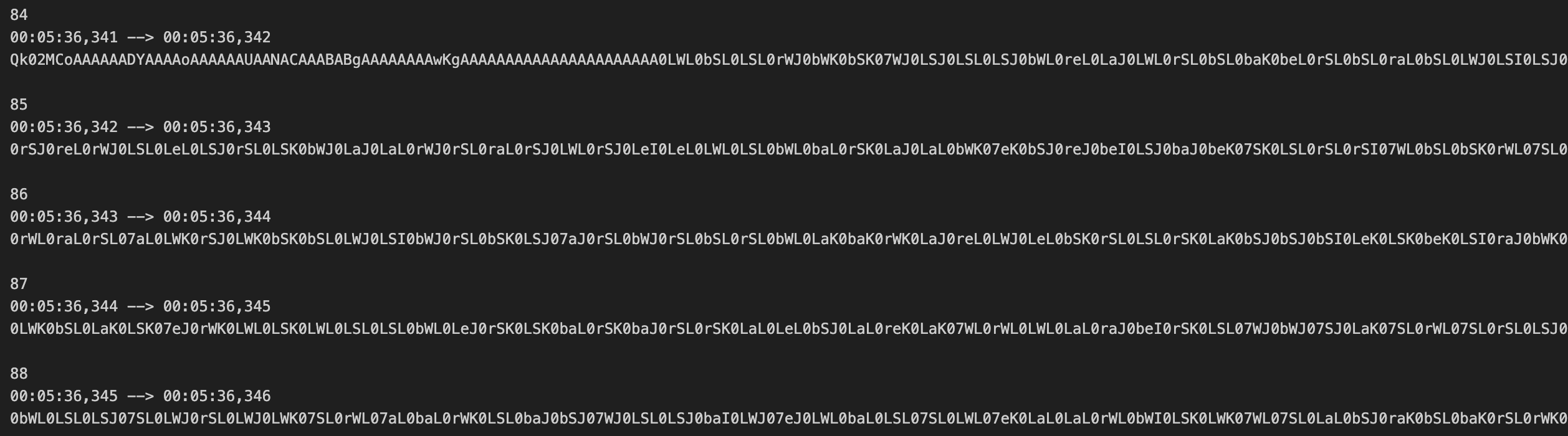
In total, there were 1844 subtitle entries with encoded data—2000 characters each (except the last one, with 472 characters). Using some simple regex, we can concatenate every block of data into one continuous string. Following the pattern from before, we can assume this is, you guessed it, base64 again, and run a command to decode it:
base64 -D -i concatsubs.txt -o decoded.binThe first two characters of the output bin file is "BM" suggesting this is a bitmap image! The last piece!

Ok... maybe not the last piece. But going back to OpenStego, one of the input file types was a .BMP ... this is probably the time we use it. After decoding the file we get an .OGG file. Strange that it's not another base64 string or PNG, but we can hear that there is some data structure to it!
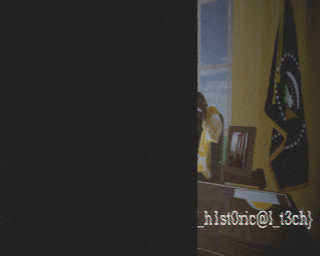
I was thinking this could have been some sort of fax machine-type encoding because of the phrases "scan my documents" and "the copy machine" in the prompt, but after some searching it turns out that it is SSTV, a very interesting method of transmitting images through sound (typically radio). Using a project called sstv, we can get the image out of the audio file with ease:
sstv -d data.wav -o output.pngAnd finally get our third and final piece!
Final Result
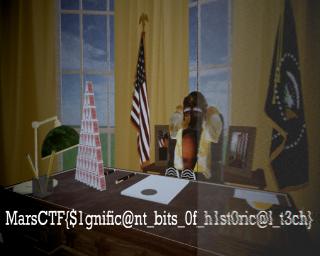
MarsCTF{$1gnific@nt_bits_0f_h1st0ric@l_t3ch}